Best Grammar Checker
for Authors 2026 — Roundup
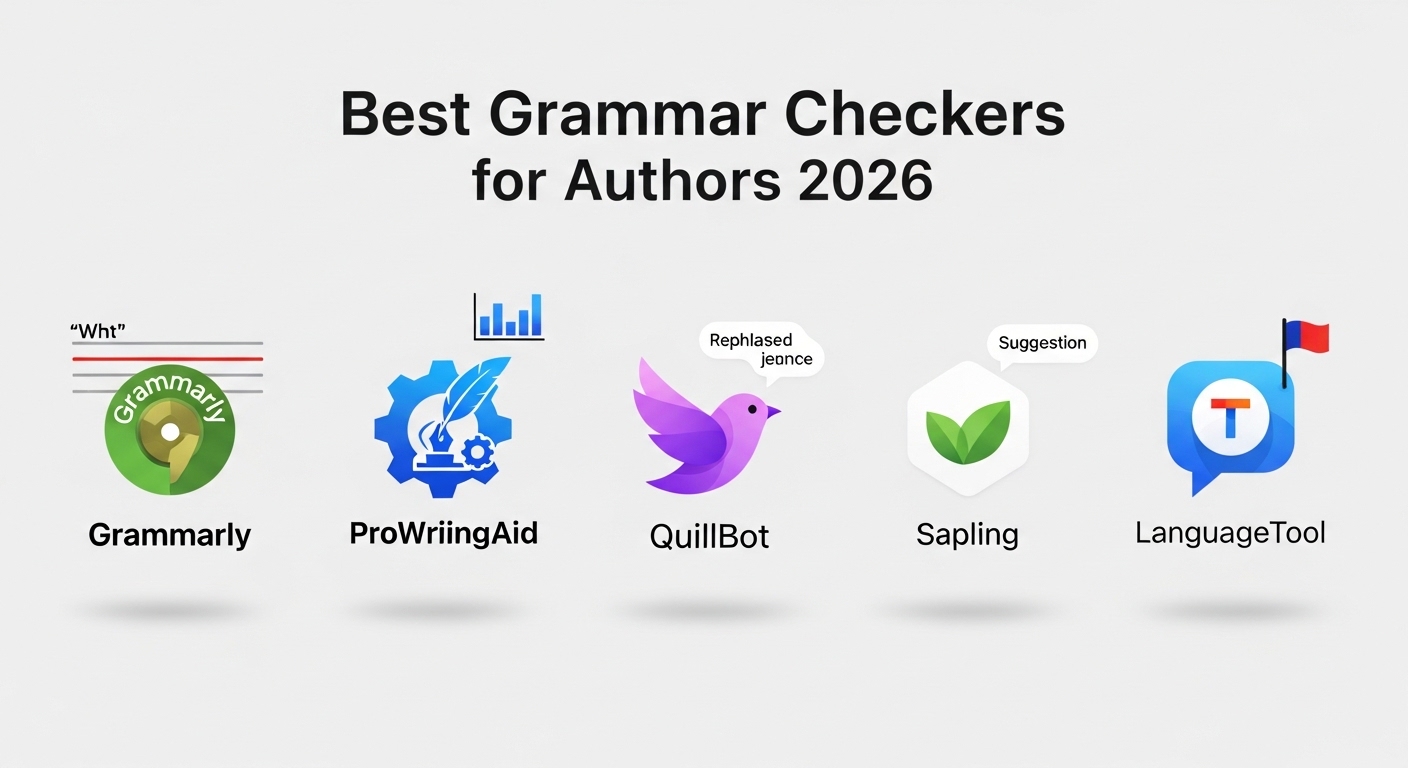
We tested every major grammar checker that self-published authors actually use — Grammarly, ProWritingAid, Hemingway Editor, AutoCrit, LanguageTool, and more. Here is the honest breakdown of what each tool does well, where it falls short, and which one is right for your KDP manuscript.
📋 Table of Contents
- Quick Picks — Best by Category
- What to Look for in a Grammar Checker
- 1. Grammarly — Best All-Rounder
- 2. ProWritingAid — Best for Authors
- 3. Hemingway Editor — Best Free Tool
- 4. AutoCrit — Best for Fiction
- 5. LanguageTool — Best Free Alternative
- 6. Microsoft Word Editor — Best Built-In
- Full Comparison Table
- Which Should You Choose?
- Recommended Books & Resources
- FAQs
The grammar checker market in 2026 is crowded, confusing, and full of marketing claims that do not hold up when you actually paste a 90,000-word manuscript into the tool. Most grammar checkers are built for business emails and blog posts — not for fiction novels, self-help books, or non-fiction manuscripts heading to Amazon KDP.
This roundup focuses on what matters for authors specifically: how each tool handles long-form manuscripts, whether it integrates with Word or Scrivener, what the free tier actually gives you, and whether the suggestions it makes are useful or just noise. We have run real manuscript chapters through each tool so you do not have to.
⚡ Quick Picks — Best Grammar Checker by Category
What Authors Should Look for in a Grammar Checker
Most grammar checkers are designed for the business market — short emails, reports, and marketing copy. Author-specific needs are genuinely different, and picking the wrong tool wastes time on irrelevant suggestions while missing errors that actually matter in a published book.
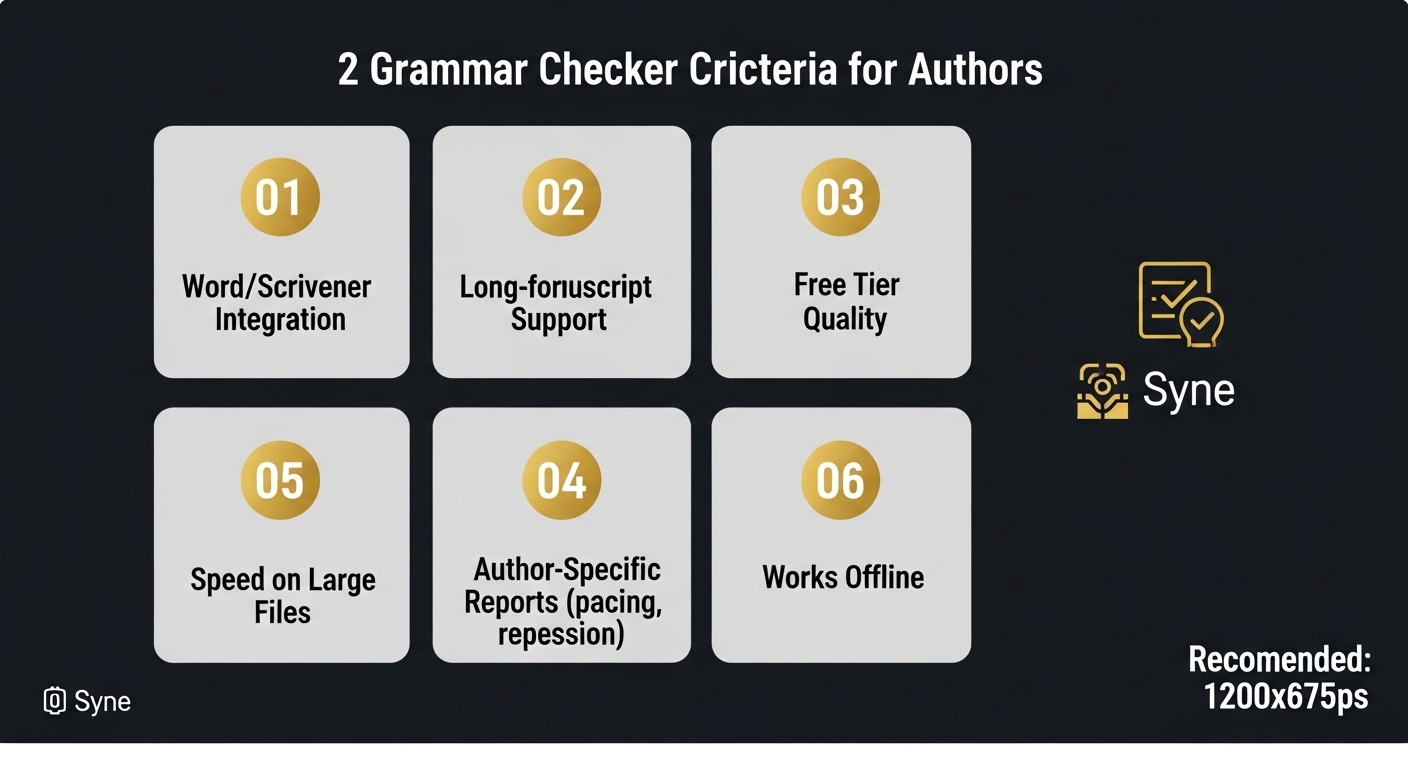
- Long-form manuscript support: Can the tool handle a 90,000-word file without crashing or timing out? Some tools work beautifully on paragraphs and fail on full chapters.
- Word and Scrivener integration: Authors edit in Word or Scrivener — a tool that requires you to paste text into a browser adds significant friction to a long editing process.
- Author-specific analysis: Pacing checks, overused word reports by chapter, repetition detection, dialogue balance, and readability benchmarks by genre are features only a few tools offer — and they are far more useful than generic grammar scores.
- Contextual accuracy: Does the tool understand that "said" is a perfectly correct dialogue tag, that sentence fragments can be intentional in fiction, and that starting sentences with "And" or "But" is grammatically valid? Low-quality tools flag these constantly and teach authors bad habits.
- Free tier genuinely useful: For a self-publisher on a tight budget, a free tier that only checks basic spelling is not useful. The best free tiers catch the errors that most damage reader experience.
- Noise-to-signal ratio: A tool that generates 500 suggestions on a 5,000-word chapter — most of them wrong or stylistic preferences — is worse than one that generates 30 accurate ones.
Use Two Tools, Not One
No single grammar checker catches every error category. The most effective self-editing approach for KDP authors is to use two complementary tools: one for grammar and mechanics (Grammarly or LanguageTool) and one for style and manuscript-level analysis (ProWritingAid or Hemingway). This combination costs nothing if you use the free tiers and catches significantly more issues than either tool alone.
1. Grammarly — Best Overall Grammar Checker for Authors
✅ Pros
- Highest grammar accuracy of any tool tested
- Real-time Word add-in works seamlessly
- Free tier catches most mechanical errors
- Extremely fast even on long documents
- Excellent contextual spelling (homophones, names)
- Clean, uncluttered interface
❌ Cons
- No manuscript-level pacing or repetition reports
- Can over-flag intentional stylistic choices in fiction
- Premium pricing is steep for occasional users
- No genre-specific benchmarking
- Dialogue tag suggestions often miss fiction conventions
- No offline mode
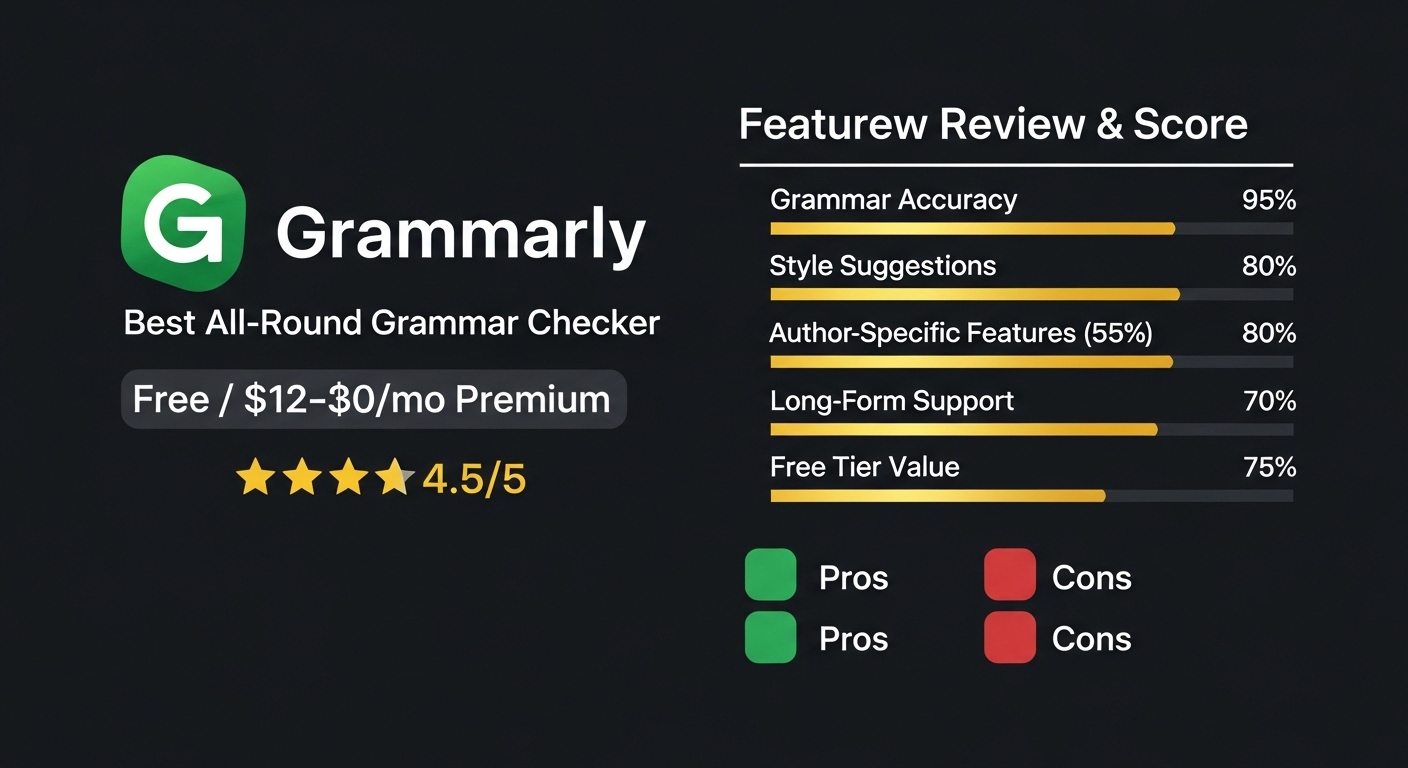
Grammarly is the best single tool for catching grammar, punctuation, and spelling errors — and the Word add-in makes it the least disruptive to your existing workflow. The free tier alone is worth using on every KDP manuscript. Where it falls short is the lack of author-specific reports: you will not get pacing analysis, overused word frequency by chapter, or fiction genre benchmarks. Use it for the mechanics pass, then add ProWritingAid or Hemingway for the style layer.
Grammarly Premium — Full Grammar & Style Checking
Premium unlocks clarity and engagement suggestions, full-sentence rewrites, vocabulary enhancement, and the plagiarism checker — useful if you are incorporating research into non-fiction KDP titles. The annual plan brings the cost down to around $12/month.
* Affiliate link — we may earn a small commission at no extra cost to you.
2. ProWritingAid — Best Grammar Checker for Authors Specifically
✅ Pros
- 25+ author-specific reports (pacing, repetition, overused words)
- Full Word, Google Docs, and Scrivener integration
- Dialogue balance and consistency checks
- Genre-specific style benchmarks for fiction
- Handles full manuscripts — no word limit in premium
- One-time lifetime purchase available ($399) — best long-term value
❌ Cons
- Free tier capped at 500 words per check — frustrating for long edits
- Interface is less clean than Grammarly — can feel overwhelming
- Slower on very large files compared to Grammarly
- Can generate too many suggestions at once — requires filtering
- Less accurate on basic grammar errors than Grammarly
If you are serious about self-publishing and plan to write more than one book, ProWritingAid Premium or the Lifetime license is the single best investment in your editing process. No other tool gives you chapter-level repetition analysis, pacing reports, or genre benchmarks. The grammar accuracy is slightly below Grammarly's, which is why pairing both tools gives the best results. For authors who can only afford one paid tool, choose ProWritingAid.
ProWritingAid — The Author's Editing & Grammar Tool
Used by thousands of KDP self-publishers to produce cleaner manuscripts. The lifetime license at $399 pays for itself after less than 3 years of monthly pricing — ideal for authors who publish regularly. Integrates directly with Scrivener, Word, and Google Docs.
* Affiliate link — we may earn a small commission at no extra cost to you.
3. Hemingway Editor — Best Free Tool for Line Editing
✅ Pros
- Completely free online — no signup, no limits
- Instantly highlights passive voice, adverbs, and complex sentences
- Color-coded system is visual and easy to act on
- Grade level readability score is useful for genre calibration
- Desktop app works offline — no internet required
- Zero learning curve — usable in under 60 seconds
❌ Cons
- Does not check grammar or spelling at all
- Browser version requires pasting text — no Word integration
- Can over-flag intentional stylistic short sentences
- No manuscript-wide reports — chapter by chapter only
- Cannot handle full manuscripts at once
Hemingway Editor is the best free tool for your line-editing pass — paste each chapter in, bring the highlights down to near-zero, and your prose will be noticeably tighter. It does not replace a grammar checker, but it does something Grammarly and ProWritingAid do not: it trains you to write shorter, cleaner sentences in the first place. Use it as part of Phase 2 (line editing), not as a standalone solution.
4. AutoCrit — Best Grammar Checker for Fiction Authors
✅ Pros
- Genre benchmarking — unique to AutoCrit
- Strong fiction-specific features: dialogue ratio, pacing, sentence starts
- Identifies "filler" words used more than published authors in your genre
- Repetition detection is the most sophisticated of all tools tested
- Good for fantasy, romance, thriller, and commercial fiction authors
❌ Cons
- Most expensive tool in this roundup by significant margin
- Free tier almost unusable for real editing work
- No native Word or Scrivener integration
- Grammar accuracy below Grammarly and ProWritingAid
- Not useful for non-fiction authors
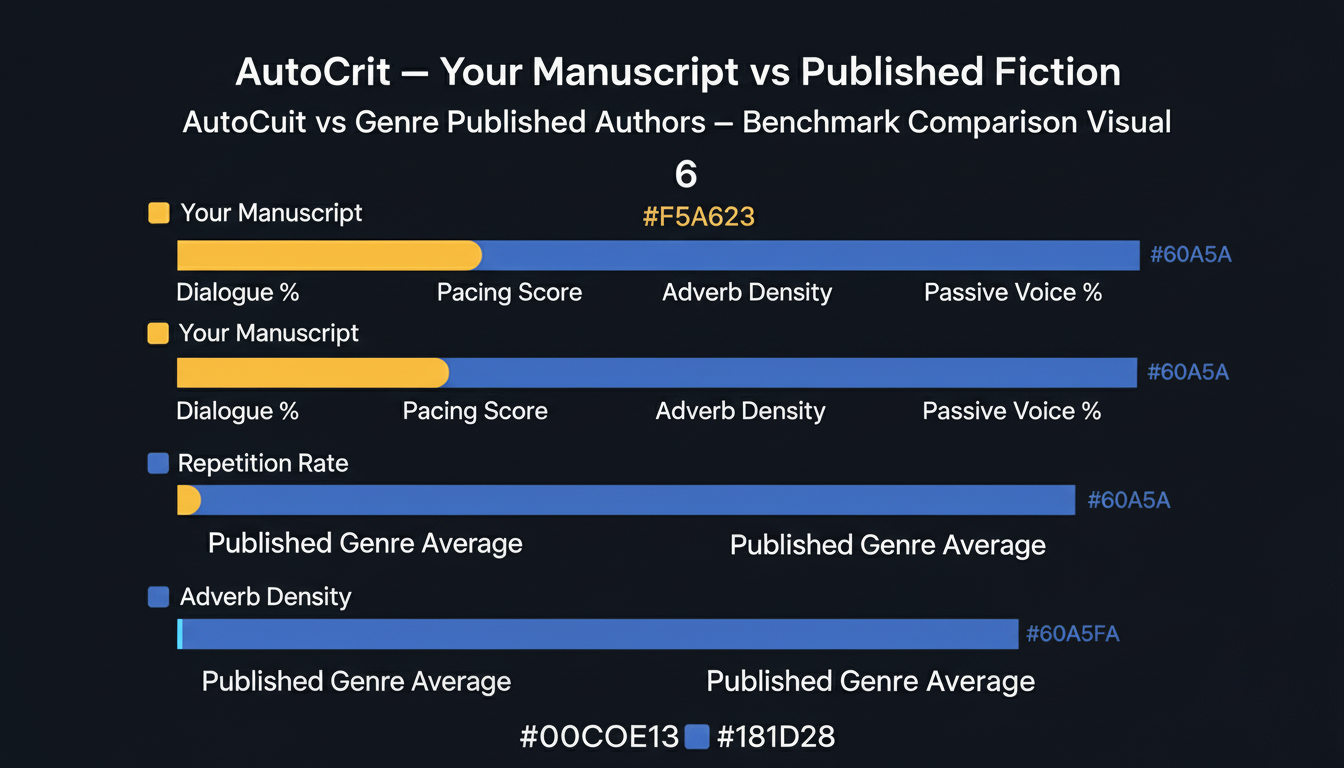
AutoCrit's genre benchmarking feature is genuinely unique and genuinely useful — seeing that your manuscript uses adverbs at twice the rate of published thrillers is actionable data that no other tool provides. The problem is the price. At $30–$80 per month, it is hard to justify unless you are a prolific fiction author with multiple KDP titles generating consistent income. Most authors will get 80% of the benefit from ProWritingAid at half the cost.
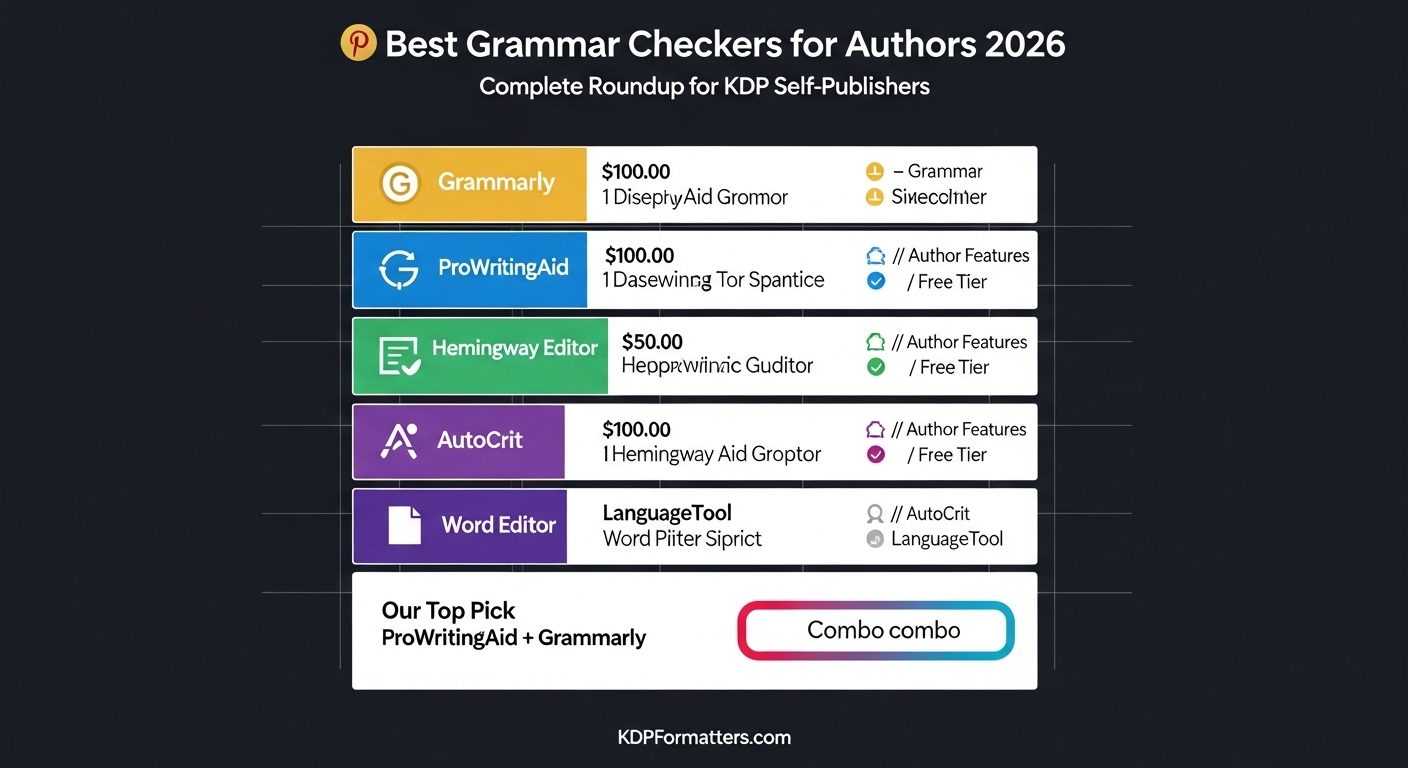
5. LanguageTool — Best Free Grammarly Alternative
✅ Pros
- Genuinely unlimited free tier — no word count cap
- Supports 30+ languages including German, French, Spanish, Portuguese
- Good accuracy for grammar and spelling errors
- Browser extension, Word add-in, and Google Docs integration
- Open-source — can self-host for full privacy
- Premium is significantly cheaper than Grammarly
❌ Cons
- Grammar accuracy below Grammarly for English manuscripts
- No author-specific features whatsoever
- Style suggestions are basic — not suitable as a line-editing tool
- Interface less polished than Grammarly
- Less useful for fiction editing than non-fiction proofreading
LanguageTool is the best choice for authors who write in languages other than English, and a solid free substitute for Grammarly if you want unlimited checking without a subscription. For English-language KDP authors, Grammarly's free tier is still more accurate — but LanguageTool's unlimited free tier and rock-bottom premium pricing make it worth considering as a complement to Hemingway or ProWritingAid.
6. Microsoft Word Editor — The Most Underrated Free Tool
✅ Pros
- Zero extra cost if you already use Microsoft 365
- Works natively inside Word — no paste-and-copy workflow
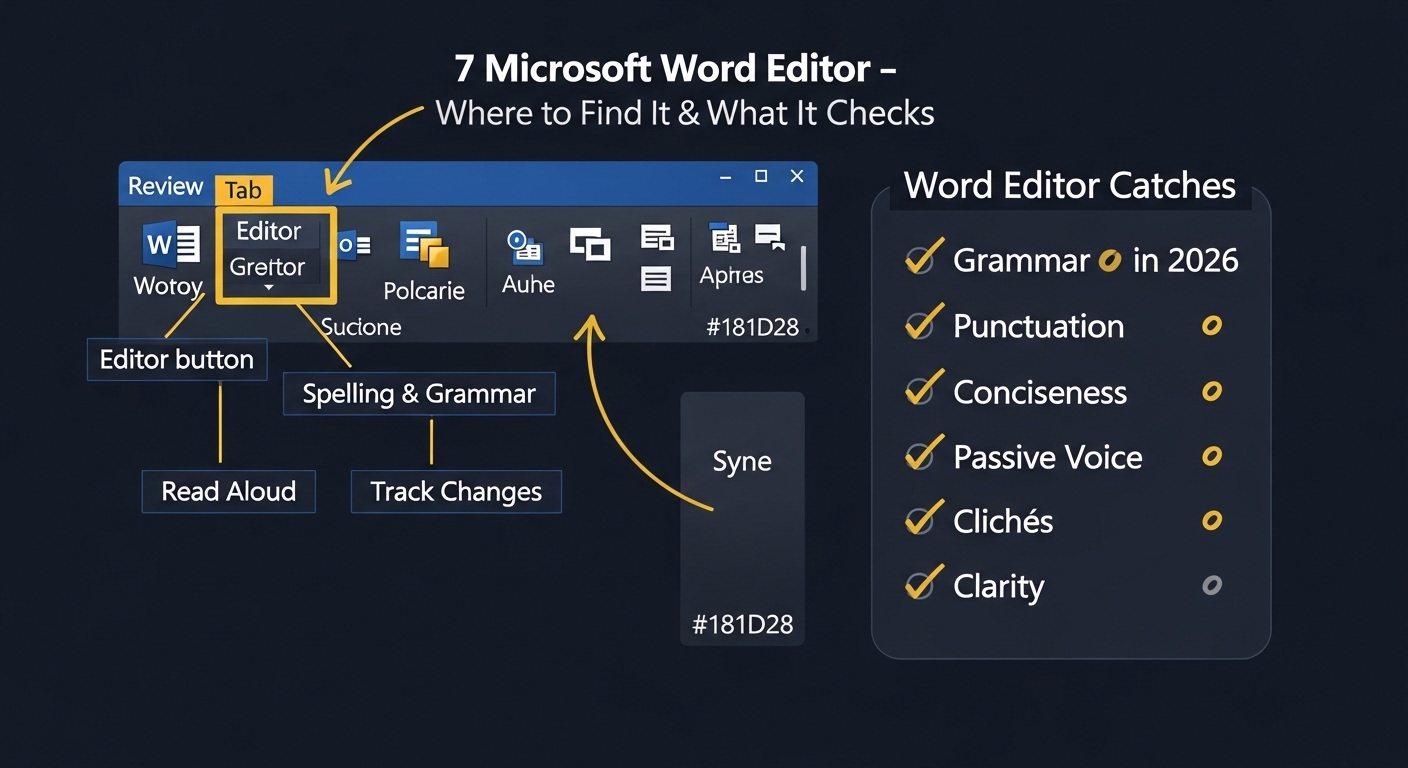
- 2026 version catches passive voice, conciseness, and clichés
- Read Aloud feature built in — excellent for proofreading
- Full offline capability — works without internet
❌ Cons
- Still significantly below Grammarly in grammar accuracy
- Style suggestions are fewer and less nuanced
- No author-specific features — no pacing, repetition, or genre tools
- Misses many context-dependent errors
- Cannot replace a dedicated grammar checker for manuscript editing
Word Editor is a solid first pass before you open Grammarly — but it should not be your only grammar tool. Think of it as a pre-screen, not a full edit. Use Word Editor to catch obvious errors quickly, then run your chapters through Grammarly and Hemingway for a complete pass. The Read Aloud feature alone — built right into Word's Review tab — is worth knowing about, as it doubles as an excellent proofreading technique at zero extra cost.
Enable Every Word Editor Category
By default, Word Editor only checks spelling and basic grammar. Go to File → Options → Proofing → Writing Style → Grammar & Refinements and enable every available category including Conciseness, Clarity, and Inclusive Language. This significantly increases what the built-in tool catches on your KDP manuscripts.
Full Comparison Table — All 6 Tools Side by Side
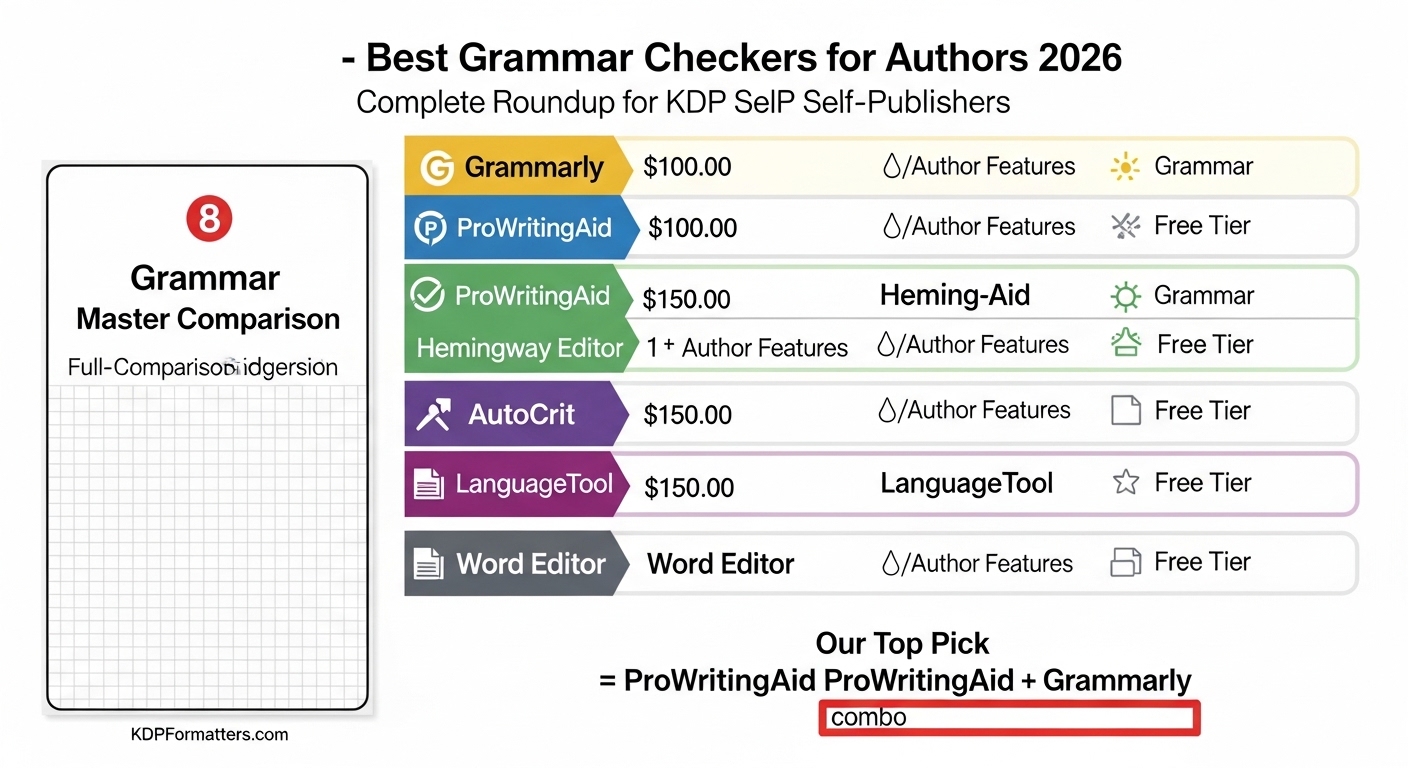
| Tool | Free Tier | Paid Price | Grammar | Author Reports | Word Integration | Best For |
|---|---|---|---|---|---|---|
| 🥇 Grammarly | ✅ Good | From $12/mo | ⭐⭐⭐⭐⭐ | Basic only | ✅ Native add-in | All authors |
| 📚 ProWritingAid | ⚠️ 500 words | From $10/mo | ⭐⭐⭐⭐ | 25+ reports | ✅ Full | Serious authors |
| 🟡 Hemingway | ✅ Unlimited | $19.99 (desktop) | ❌ None | Style only | ❌ Paste only | Line editing |
| 🎭 AutoCrit | ❌ Very limited | From $30/mo | ⭐⭐⭐ | Genre benchmarks | ❌ Browser only | Fiction only |
| 🌍 LanguageTool | ✅ Unlimited | From $4.92/mo | ⭐⭐⭐⭐ | ❌ None | ✅ Add-in | Non-English authors |
| 💻 Word Editor | ✅ Free w/ M365 | Included | ⭐⭐⭐ | ❌ None | ✅ Native | Quick pre-screen |
Which Grammar Checker Should You Actually Choose?
Grammar Checker Decision Tree for KDP Authors
Recommended: 1200×675px | Alt: "Grammar checker decision tree for KDP authors — which tool to choose based on genre and budget"
The right choice depends on three factors: your genre, your budget, and whether you are writing your first book or running a publishing business. Here are four specific scenarios with a clear recommendation for each.
Scenario 1 — First-time KDP author, tight budget
Use: Grammarly free tier (grammar) + Hemingway Editor free online (line editing) + Word's Read Aloud feature (proofreading). Total cost: $0. This stack catches the vast majority of errors that generate negative reviews and costs nothing.
Scenario 2 — Fiction author publishing 2–3 books per year
Use: ProWritingAid Premium ($10/mo or consider the Lifetime license) + Grammarly free tier. ProWritingAid gives you the chapter-level reports and fiction-specific analysis. Grammarly handles the grammar accuracy gap. Monthly cost: under $10.
Scenario 3 — Non-fiction KDP author (how-to, self-help, business)
Use: Grammarly Premium ($12/mo) for grammar and clarity + ProWritingAid free tier for overused word checks. Non-fiction grammar is more rule-bound than fiction — Grammarly's accuracy is worth the premium investment here. AutoCrit is not relevant for non-fiction.
Scenario 4 — Prolific fiction author publishing 5+ titles per year
Use: ProWritingAid Lifetime ($399 one-time) + Grammarly Premium (annual plan) + AutoCrit for occasional genre benchmarking. The ProWritingAid Lifetime pays back within 3 years vs monthly pricing. This is the professional-grade stack used by high-output KDP authors.
Grammar Checkers Do Not Replace Human Proofreaders
Every tool in this roundup will miss context-dependent errors, inconsistencies that require reading memory across chapters, and errors that are grammatically correct but tonally wrong. For a book you intend to sell at scale, at least one pass by a human proofreader — even a careful reader from your target audience — is worth the investment. Grammar checkers are force multipliers for self-editing, not replacements for human judgment.
📦 Recommended Books & Resources for Authors
Author Editing Planner & Revision Tracker Journal
Track your grammar checker findings, style sheet decisions, and revision notes across multiple editing passes in one organized place. Professional authors treat each editing pass as a separate workflow — this journal keeps all of it structured and actionable.
* Affiliate link — we may earn a small commission at no extra cost to you.
📖 Related KDP Guides
🚀 Grammar checked. Now format your manuscript perfectly for KDP.
Use our free formatting tools — spine calculator, gutter margins, royalty estimator. Your words are polished. Now get your layout right.
FAQ
Grammar Checker for Authors — FAQs
The most common questions KDP self-publishers ask about grammar checkers, pricing, and which tools actually work for book manuscripts.
Grammar Checked. Now Publish Your Book Perfectly on KDP.
Use our free suite of KDP formatting and calculation tools — royalty calculator, spine calculator, gutter margins, and more. Everything you need to format and price your book correctly, all free.
🛠️ View All Free KDP Tools →