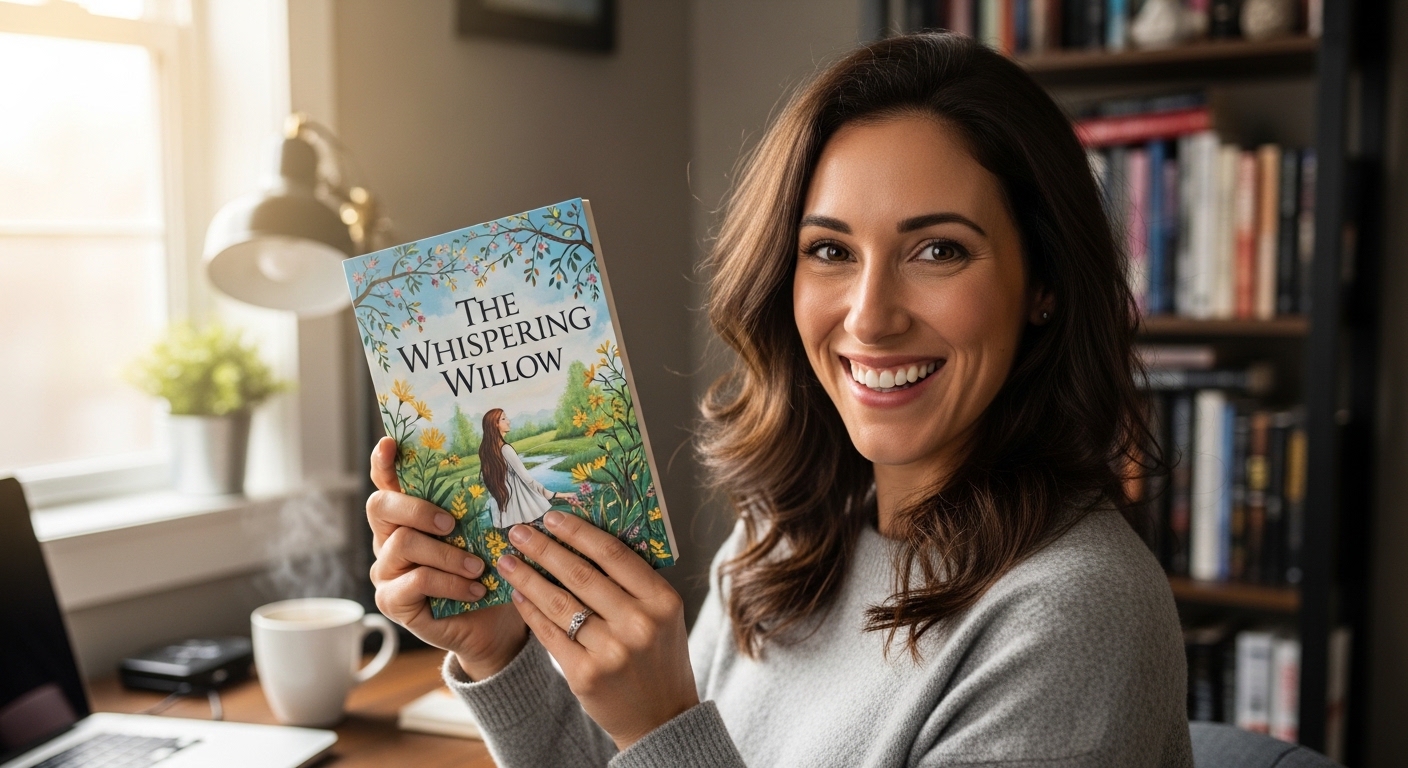
Everything a first-time author needs to go from blank manuscript to live Amazon listing — account setup, formatting, ISBN, pricing, cover design, and launch strategy. All tools free.
Amazon Kindle Direct Publishing (KDP) is Amazon’s self-publishing platform. It lets authors publish paperback books, hardcovers, and Kindle eBooks without going through a traditional publisher. You upload your manuscript, set your price, and Amazon handles printing, distribution, and customer service. When a book sells, your royalty lands in your bank account every month.
The platform launched in 2007 and now hosts over 3 million active self-published titles. It is the largest self-publishing platform in the world, and it gives you direct access to Amazon’s 200+ million active buyers with no gatekeeping, no minimum print runs, and no upfront costs of any kind.
If you enroll your Kindle eBook in KDP Select for Kindle Unlimited access, it must be exclusive to Amazon for 90-day periods. You cannot sell it on Apple Books, Kobo, or other platforms during enrollment. Paperbacks are never exclusive.
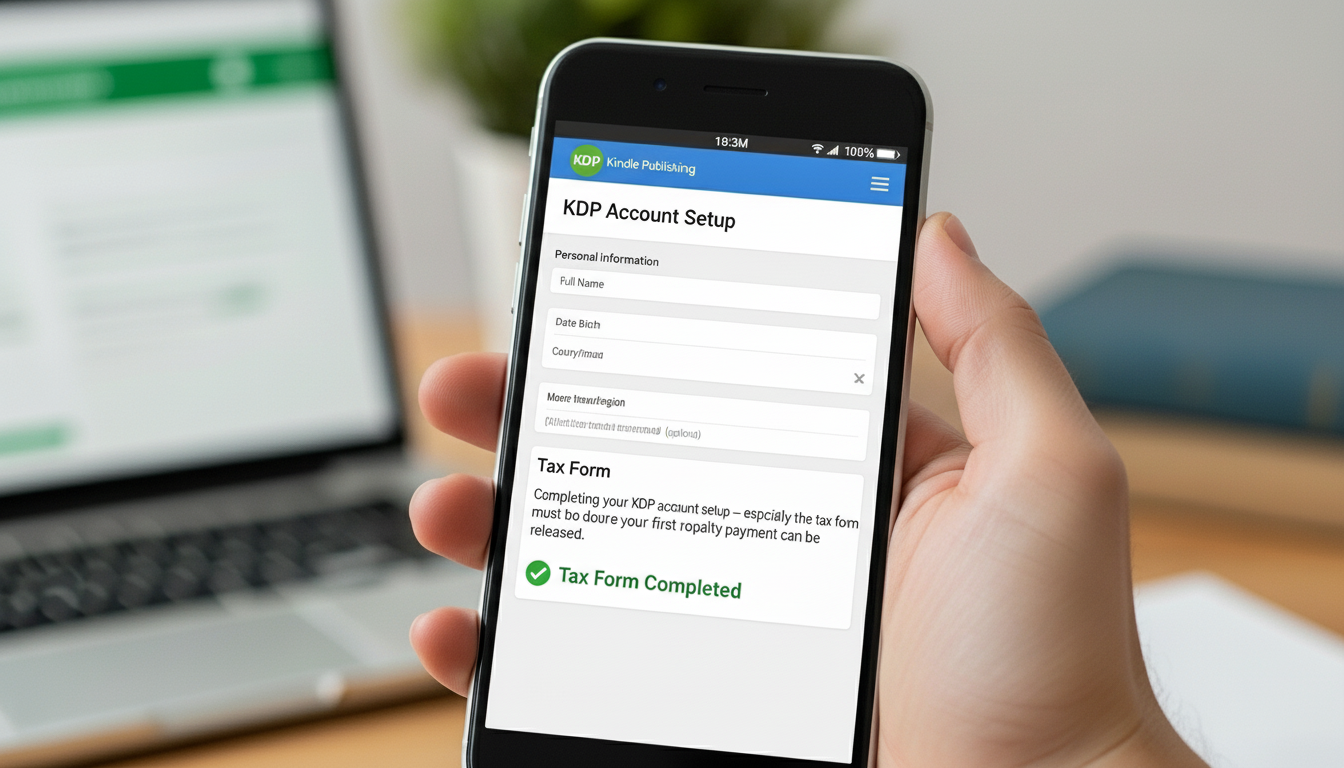
Go to kdp.amazon.com and sign in with your existing Amazon account, or create a new one. Before you can publish or receive royalties, KDP requires three things in your account settings:
KDP is legally required to collect tax information from all publishers worldwide. US authors complete a W-9 form. International authors complete a W-8BEN. It is a straightforward online form — about 5 minutes. Many countries including the UK, Canada, and Australia have a 0% withholding rate on royalties under their tax treaty with the US.
If you upload a book before completing tax information, KDP withholds 30% of your royalties by default. Do the W-8BEN or W-9 first — 5 minutes now protects every penny of your future earnings.
KDP pays via bank transfer (EFT), wire transfer, or check. Bank transfer is fastest. US authors need their account number and routing number. International authors need IBAN and SWIFT details. KDP pays monthly — around the 28th of each month — for royalties earned 60 days prior.
Enter your author name exactly as you want it displayed on Amazon. You can use your real name, a pen name, or a publishing company name. Getting this right from the start saves confusion when paperback and eBook editions are linked on the same listing.
KDP lets you publish as a paperback, hardcover, Kindle eBook, or any combination. Most successful self-published authors publish all formats — but if you are starting out, which should you do first?
| Format | Royalty Rate | Cost | Time Live | Best For |
|---|---|---|---|---|
| Kindle eBook | Up to 70% | $0 | 24–48 hrs | Fast launch, fiction |
| Paperback | 60% minus print | $0 | 24–72 hrs | Non-fiction, gifts |
| Hardcover | 60% minus print | $0 | 24–72 hrs | Premium editions |
The honest answer for most first-time authors: publish both the Kindle eBook and the paperback at the same time. When both are listed, Amazon links them on one product page. Having both roughly doubles your potential buyers and adds credibility — many readers will not buy a Kindle version of a book if no physical edition exists.
Use our free KDP Royalty Calculator and Hardcover vs Paperback Comparison to see exactly what you would earn at different price points before choosing your format.
The biggest formatting mistake beginners make is writing their entire manuscript in a standard A4 or letter-sized Word document and trying to reformat it for KDP after finishing. This creates hours of extra work. Format for your KDP trim size from the beginning.
Organises chapters and research, then compiles directly to KDP-ready formats in one click.
* Affiliate link — we may earn a commission at no extra cost to you.
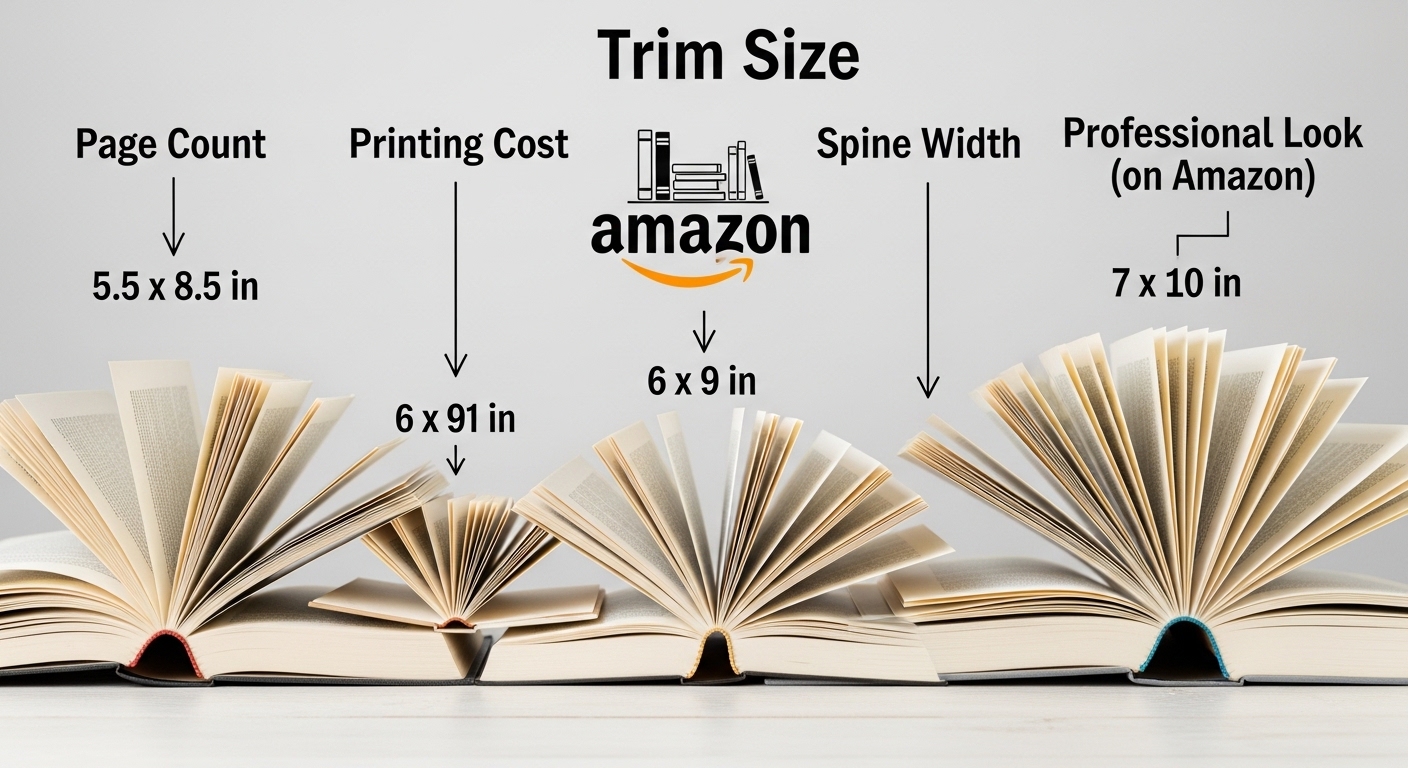
The trim size is the final physical size of your printed book. It affects your page count, printing cost, spine width, and how professional your book looks next to comparable titles in its genre.
| Trim Size | Best Genre | Page Impact | Standard? |
|---|---|---|---|
| 6″ × 9″ | Novels, non-fiction | Base ref. | ✅ Most popular |
| 5.5″ × 8.5″ | Trade paperbacks | ~10% more | ✅ Very common |
| 5″ × 8″ | Short novels, romance | ~18% more | Moderate |
| 7″ × 10″ | Non-fiction guides | ~20% fewer | ✅ Non-fiction |
| 8″ × 10″ | Children’s books | ~35% fewer | ✅ Children’s |
| 8.5″ × 11″ | Workbooks, journals | ~45% fewer | ✅ Workbooks |
Once live on Amazon, changing the trim size requires unpublishing and re-uploading a completely reformatted manuscript. Choose before you start formatting — ideally before you finish writing.
Browse all supported sizes filtered by genre: KDP Book Sizes Chart →
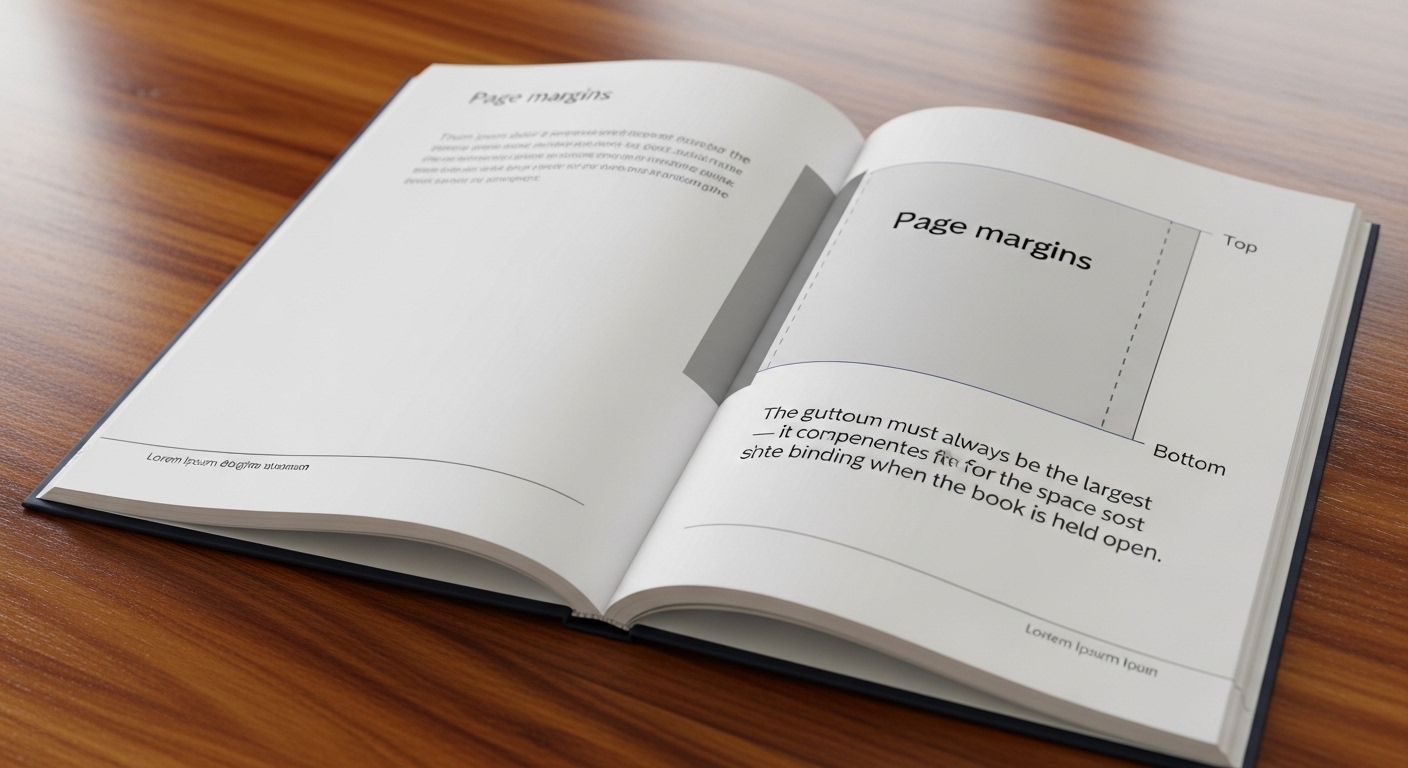
Get the margin requirements wrong and your book either gets rejected or text literally disappears into the spine when printed and bound.
| Page Count | KDP Minimum Gutter | Recommended |
|---|---|---|
| 24–150 pages | 0.375″ (9.5mm) | 0.5″ |
| 151–400 pages | 0.75″ (19mm) | 0.875″ |
| 401–600 pages | 0.875″ (22mm) | 1.0″ |
| 601+ pages | 1.0″ (25mm) | 1.125″ |
KDP also requires minimum 0.5″ on outside, top, and bottom edges. All headers, footers, and page numbers must sit inside these minimums.
Enter your page count and get the exact gutter and all margin values instantly.
When exporting as PDF, all fonts must be embedded. In Microsoft Word: Options → check “ISO 19005-1 compliant (PDF/A)”. Our KDP Paperback Formatter handles this automatically.
Your cover is the single most impactful factor in whether a browser becomes a buyer. A bad cover can sink a genuinely great book. A great cover can make a mediocre one sell.
Enter your trim size, page count, and paper type into our Spine Width Calculator to get your exact spine width and full cover wrap pixel dimensions.
The Thumbnail Test: Resize your cover to 150×230 pixels and look at it honestly. Can you read the title? Does the genre communicate immediately? If it is unclear at that size, it will cost you sales.
Graphic tablets, cover design books, and self-publishing guides used by professional indie authors.
* Affiliate link — we earn a commission at no extra cost to you.
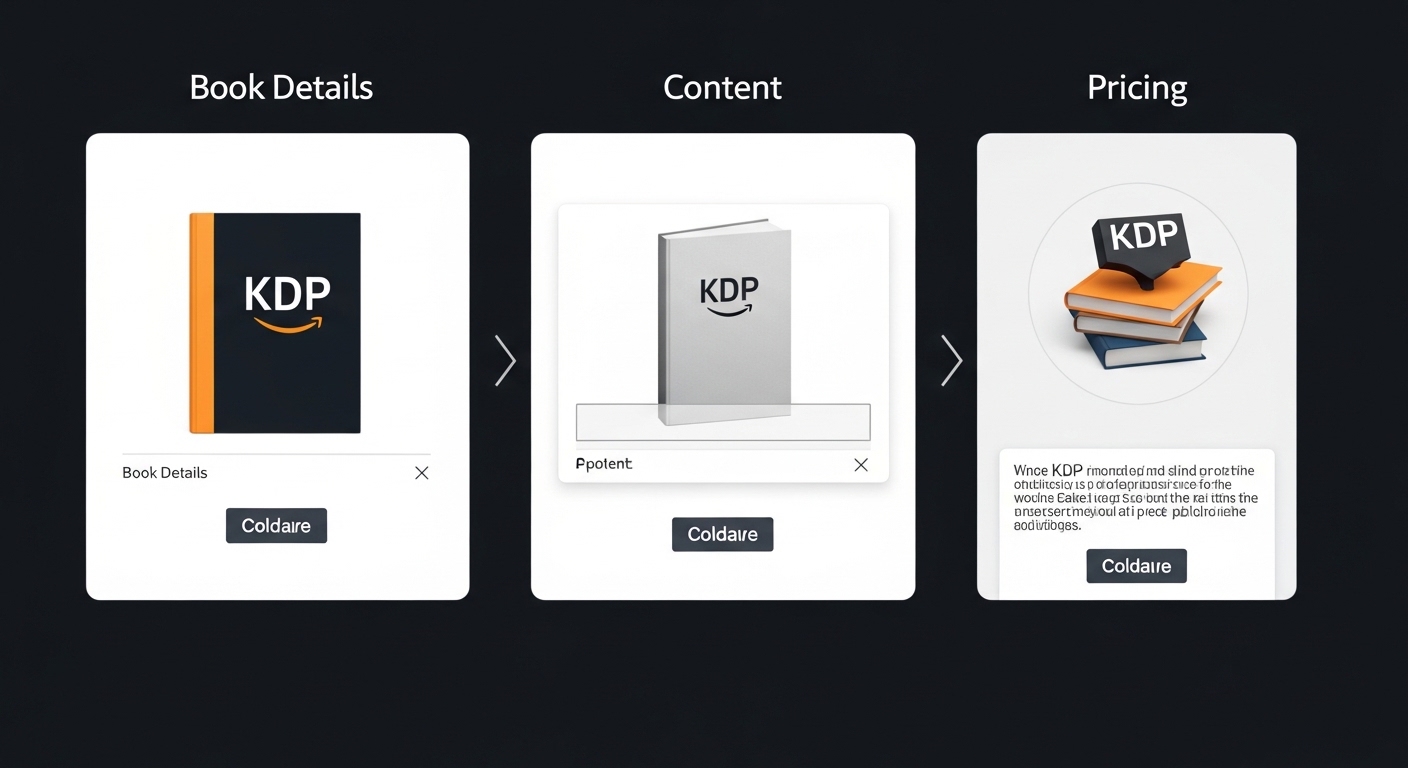
Once your manuscript is formatted and cover is ready, uploading to KDP is straightforward. Log into kdp.amazon.com, click “Create a New Title,” and work through three sections:
The previewer shows exactly how your book will look in print. Check every page. Finding a problem here costs nothing to fix. Finding it after publishing costs you reviews.
| Option | Cost | Publisher Name | Outside Amazon? |
|---|---|---|---|
| KDP Free ISBN | $0 | Independently Published | KDP only |
| Own ISBN (Bowker) | $85–$295 | Your imprint name | Yes — everywhere |
KDP lets you choose 2 categories at upload, but you can request up to 10 total by contacting KDP support after publishing. The counterintuitive strategy: do not always choose the most obvious category. “Mystery → General” competes against 200,000 titles. “Mystery → Amateur Sleuths → Female Detectives” might compete against 2,000. Find the most specific sub-category where you can realistically reach the top 100.
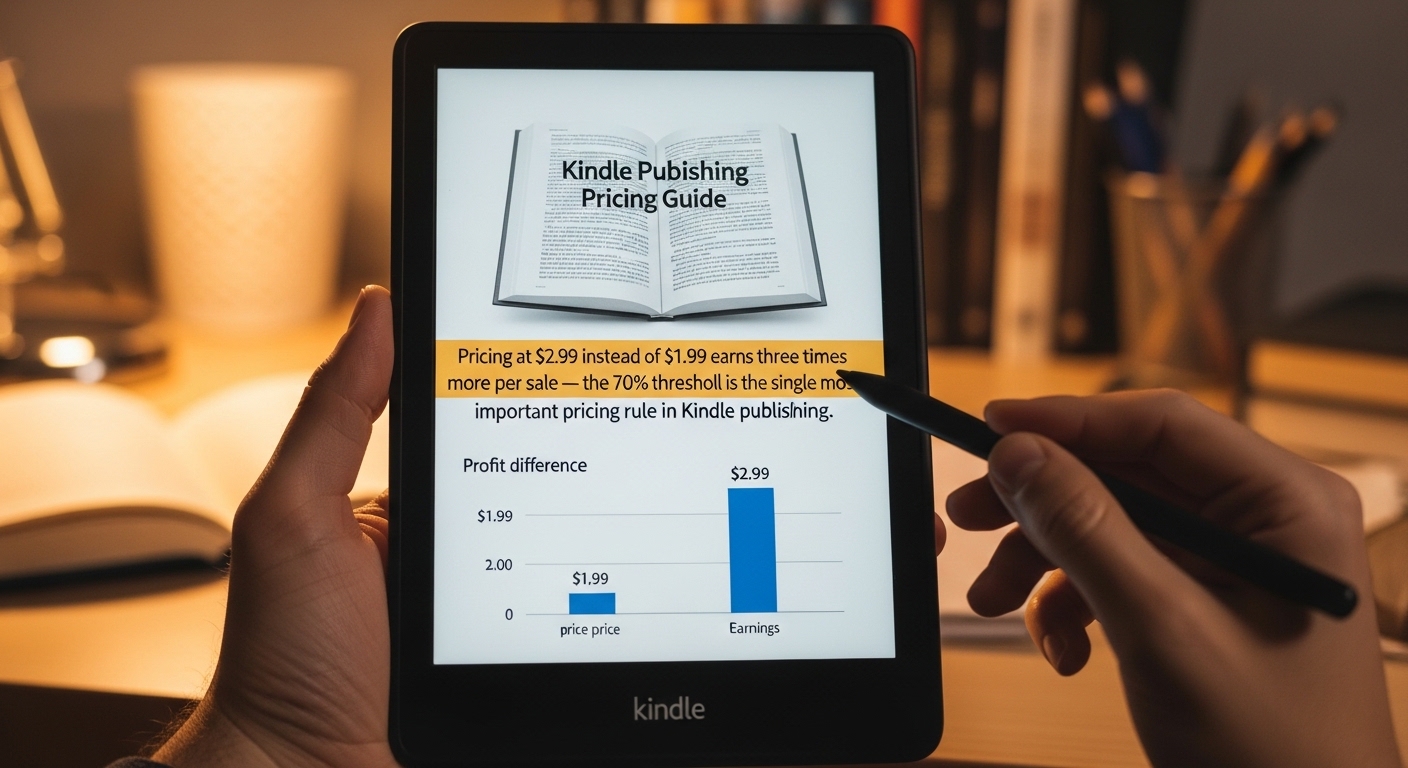
| eBook Price | Royalty Rate | Earnings/Sale | Strategy |
|---|---|---|---|
| $0.99 | 35% | $0.35 | Loss leader or permafree |
| $1.99 | 35% | $0.70 | Almost never the right choice |
| $2.99 | 70% | $2.09 | Sweet spot for genre fiction |
| $3.99 | 70% | $2.79 | Most popular Kindle price |
| $4.99 | 70% | $3.49 | Non-fiction, longer work |
| $7.99–$9.99 | 70% | $5.59–$6.99 | Premium non-fiction |
For paperbacks: price at approximately 2.5–3× your printing cost. A 300-page novel with $4.45 printing cost, priced at $12.99, earns $3.34 per copy (60% of $12.99 = $7.79 minus $4.45).
Enter your book details and see your royalty per copy and minimum viable price.
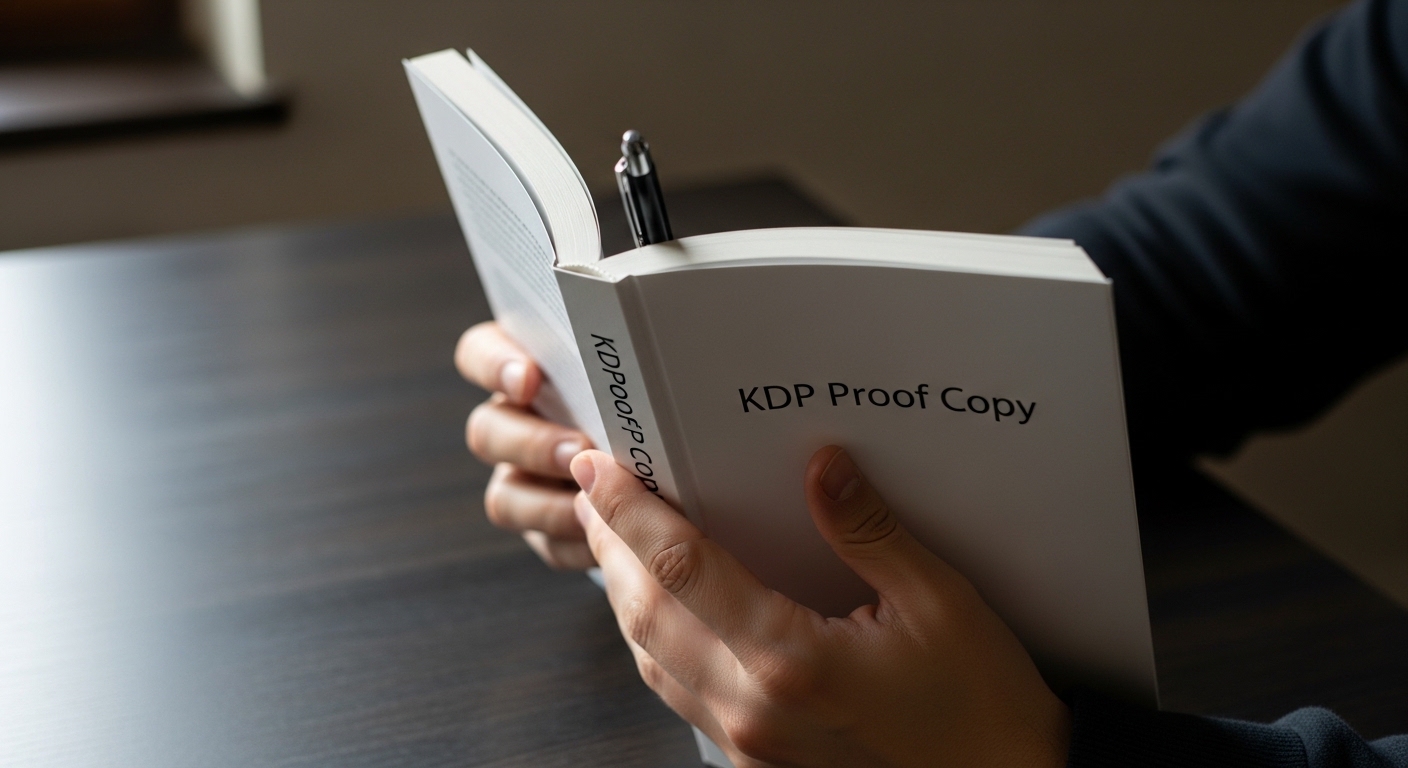
Before clicking publish, order a physical proof copy of your paperback. A proof is an actual printed copy — identical to what buyers receive — available at cost price before it goes live. Screens lie. Common problems invisible on screen but obvious in print:
Proof copies cost your printing cost plus shipping — typically $8–$15 all in. Spend the money every time before going live.

After you click Submit for Publishing, KDP reviews most books within 24–72 hours. Kindle eBooks are often live within 24 hours. You receive an email when your book goes live.
Keyword strategy, Amazon Ads basics, category selection, and launch planning guides.
* Affiliate link — we earn a small commission at no extra cost to you.
Every tool mentioned in this guide is available free at KDPFormatters.com. No signup, no download, no watermarks.
Every KDP author should own a Kindle to check how their eBook actually displays on e-ink.
* Affiliate link — we earn a commission at no extra cost to you.
All 16 KDP tools — free, no signup, works in your browser. From raw manuscript to Amazon-ready file in under 3 minutes.
FAQ
Common questions from first-time authors about publishing on Amazon KDP.
Use our complete suite of free KDP tools — formatter, royalty calculator, spine calculator, and more. No signup required.
🛠️ View All Free KDP Tools →